


Up to 8000 ₺ bonus on sign-up and on in-app bets
up to 25% cashback
iPhone · About 3 minutes
Switch region to Colombia
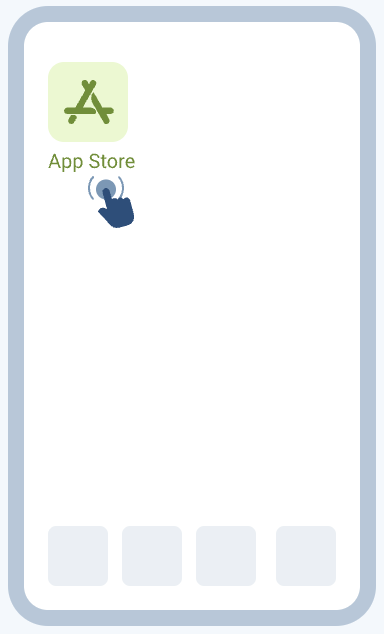
Step 1: Open the App Store
Tap the App Store icon on your home screen.
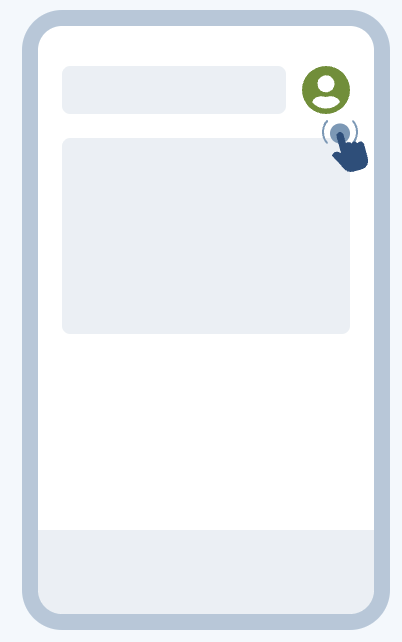
Step 2: Go to your account
Tap the profile icon in the top right.
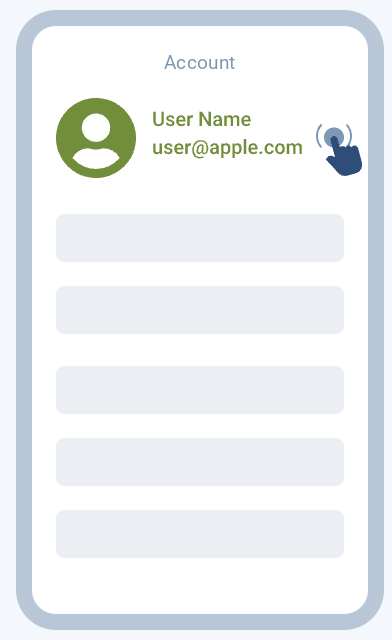
Step 3: Tap your name
On the Account screen, tap your name.
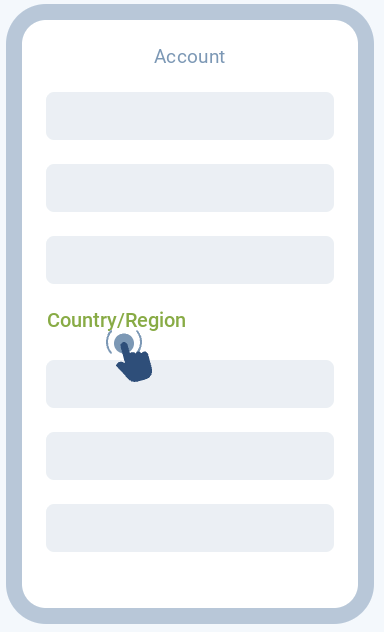
Step 4: Select “Country/Region”
Open the “Country/Region” section.
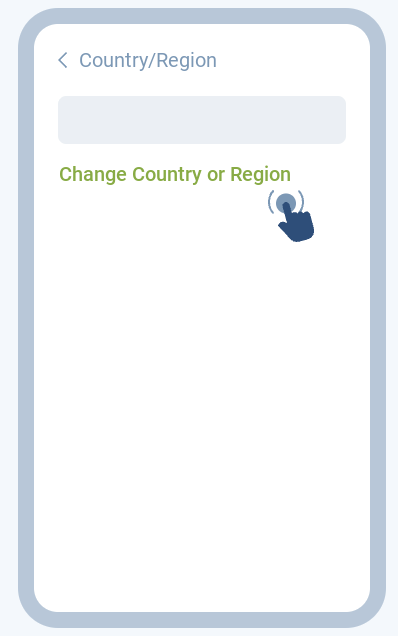
Step 5: “Change Country or Region”
Tap “Change Country or Region”.
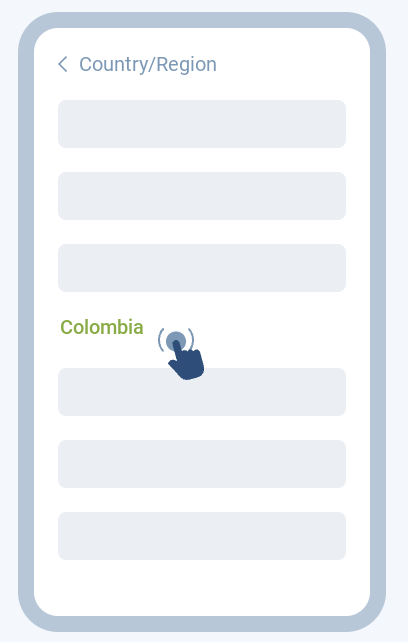
Step 6: Choose Colombia
Select Colombia as your country.
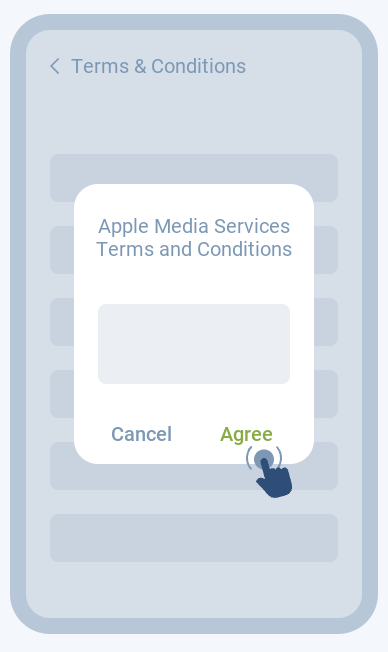
Step 7: Accept the terms
Accept the Terms & Conditions.
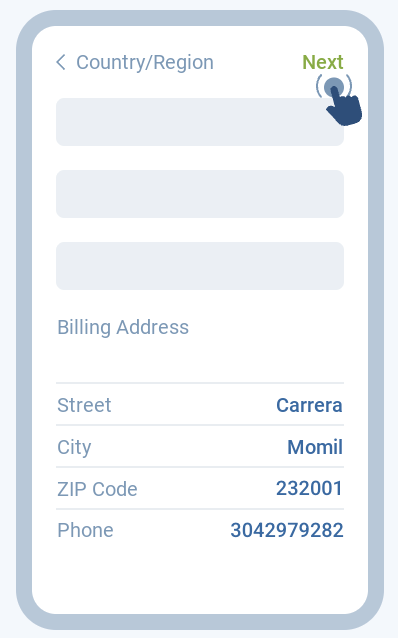
Step 8: Address and payment
Fill in the address as in the example. Choose “None” as payment. Tap “Next”.
Step 9: Download 1xBet
Open the App Store and search “1xBet”. Or open this link in your browser.


Got an error at step 9?
Create a new Apple ID
Step 10: Got an error?
Create a new account at appleid.apple.com (opens in a new tab). Choose Colombia when registering.
Step 11: Sign out
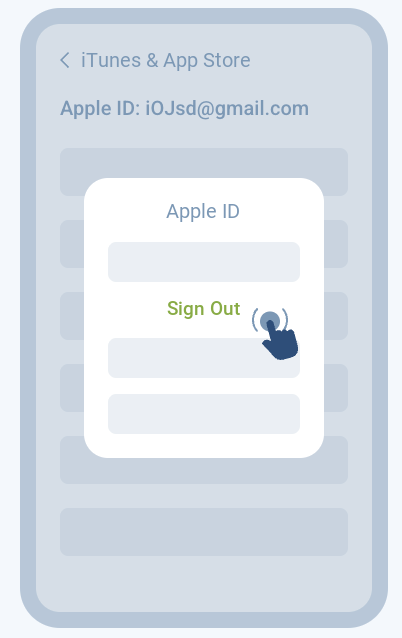
Go back to step 3 and tap “Sign Out”.
Step 12: Sign in with the new account
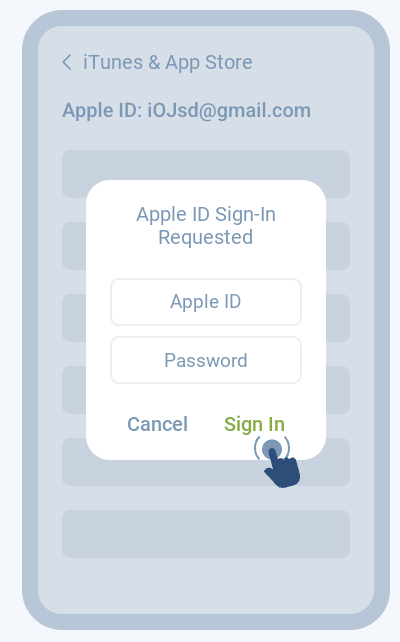
Sign in with your new account and go to step 9. More about the 1xBet app


Windows
Get it on your PC too
Download, install, log in. Windows 10 / 11.